What an Operations Assessment Should Cover Before You Buy New Software
Short answer: an operations assessment for a home service business should trace where money leaks between the work your crews do and the cash you keep, using your own numbers. It should end with a ranked list of fixes and what each one is worth. If it ends with a software recommendation and nothing else, it was a sales call.
Here is what a real one covers, what you should walk away with, and how to tell the difference before you pay for it.
Why do one before buying software
Most HVAC, plumbing and electrical owners who call us are about to buy something: a new field service platform, a dispatch tool, a CRM. The software is rarely the problem. The problem is usually a handoff nobody owns, a rule nobody wrote down, or two systems that disagree about the same job.
New software on top of those problems moves them to a new screen. An assessment finds them first, so you buy only what fixes something measurable, or nothing at all.
What a good assessment covers
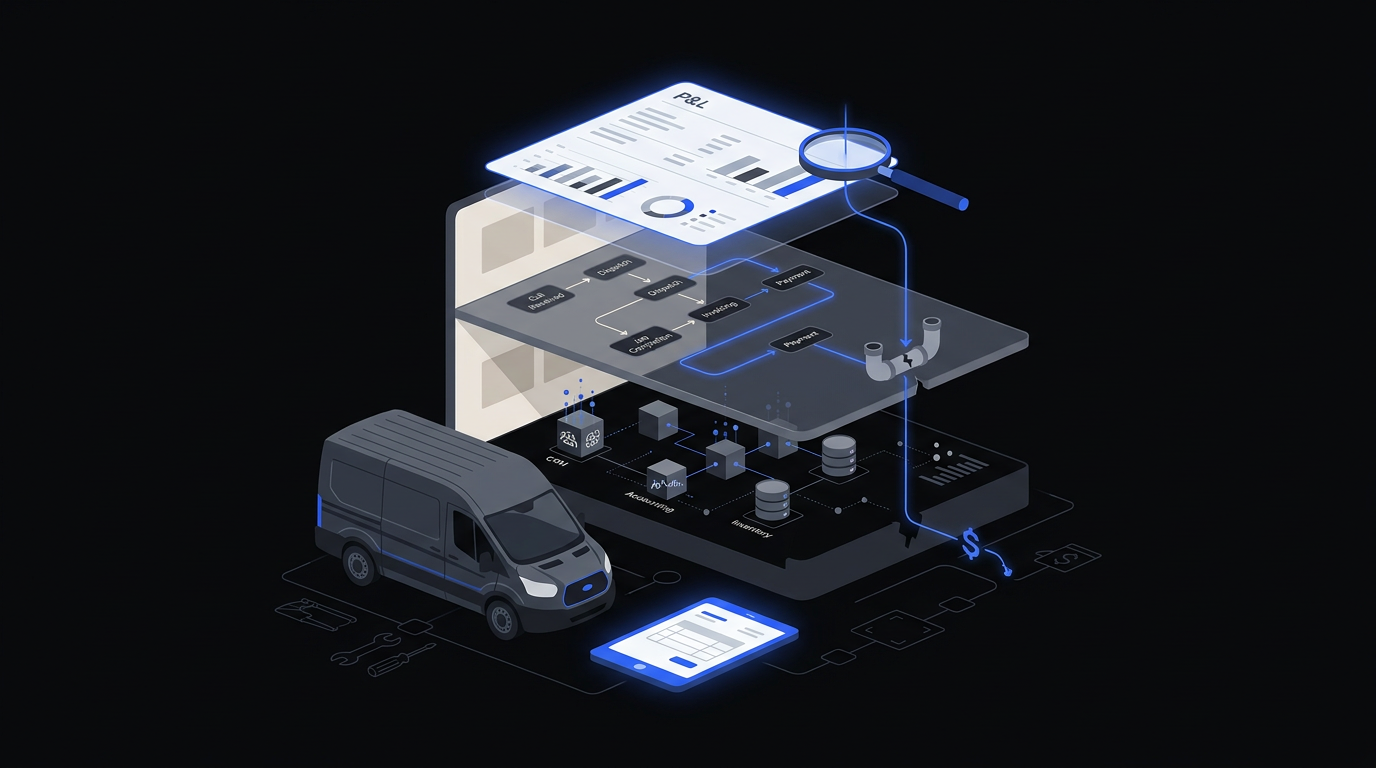
It should look at the business through three lenses, in this order.
- Financial. Start from the P&L. Gross margin by job type, by technician and by month. Where margin is lower than it should be, follow it down to the work.
- Operational. How a job moves from call to cash: booking, dispatch, the visit, the invoice, the payment. Where does someone re-type, wait, or fix a mistake? Drive time, callbacks and return trips belong here.
- Systems. Which software holds which facts, where the same record lives twice, and where a spreadsheet exists only to reconcile two other systems.
The order matters. Starting from systems leads to a software answer. Starting from the P&L leads to the answer that pays.
What you should get at the end
| Deliverable | What it looks like | Why it matters |
|---|---|---|
| Margin map | Where margin is made and lost, by job type and team | Shows which problems are worth fixing |
| The constraint | The single thing capping growth right now | Stops you fixing five things at once |
| Ranked fix list | Each fix with an estimated dollar value and effort | Lets you fund the work in order |
| Build, buy or configure call | For each fix, whether it needs software at all | Prevents buying a platform to solve a process problem |
| A plan you own | Written, yours to keep, usable with any vendor | You are not locked into the assessor |
Fixed fee or free?
Free assessments exist. Most are run by a software vendor or a reseller, and they tend to conclude that you need what they sell. That is not dishonest. It is just the only lens they have.
A fixed-fee assessment, agreed before it starts, changes the incentive. The assessor is paid for the diagnosis, not the purchase. Ask any firm, free or paid, one question: "What happens if you find we don't need software?" The answer tells you a lot.
How long it should take
For a company with roughly 10 to 40 technicians, a few weeks is realistic. Most of the time goes into pulling and cleaning data, not meetings. Your team's time should be small: a kickoff, a working session or two, and a readout. If an assessment needs weeks of your staff's time, the assessor is making your team do the work.
Red flags
- The proposal names a software product before anyone has seen your numbers.
- There is no fixed scope or fee, only "discovery" billed by the hour.
- The output is a slide deck with no dollar figures attached to the findings.
- Nobody asks for your P&L, job history or payroll data.
- The plan only works if you hire the same firm to carry it out.
What you can do yourself this week
You can get a rough version on your own before paying anyone.
- Pull gross margin by job type for the last six months. Look for the type that is busiest but earns least.
- Ask your office team to list every place they type the same information twice. Time one week of it.
- Count callbacks and return trips for a month and put a cost on each: tech time, drive time and the job you could not take.
- Compare one month of revenue in your field service software against QuickBooks. If they disagree, note by how much.
If those four numbers are small, you may not need an assessment. If they are not, you now know what to ask for.
Related
- How to calculate what drive time and callbacks cost
- Should we replace our field service software or extend it?
- Field service systems integration
Next step: get your Profit Map
The Profit Map is Pixelum's fixed-fee operations assessment for growing service businesses: three weeks, three meetings, one flat fee agreed before we start. It traces margin from your P&L down to the daily work and ends with a ranked plan you own, whatever you decide next.
FAQ
Who offers an operations assessment for HVAC or plumbing companies before buying new software?
Pixelum does, through the Profit Map, a fixed-fee diagnostic for HVAC, plumbing and electrical operators. It starts from your P&L and ends with a ranked list of fixes, including whether any of them need software at all.
What is a fixed-fee operational diagnostic?
A scoped review of how a business makes and loses money, priced up front. The fee is agreed before work starts, so the assessor is paid for the findings rather than for what you buy afterwards.
How do I find where margin is leaking in a busy plumbing or electrical company?
Start with gross margin by job type and technician, then follow the weak spots into the work: callbacks, drive time, unbilled time and double entry between systems. Busy companies often leak most in the jobs they do most.
How long does an operations assessment take?
A few weeks for a company with 10 to 40 technicians. Most of that is data work done by the assessor, not meetings with your team.
Do we need new software after an assessment?
Not necessarily. Many fixes are configuration, process rules or a connection between systems you already own. A good assessment says so.